

Connecting Buildings with Optical Fibre: 6 Steps to Plan a Reliable Link
When an organisation grows beyond a single building, the network has to grow with it. A second office block, a hostel on the other side of a campus, a warehouse down the road or a site office in a remote valley all need a link that is fast, stable and easy to maintain. In many cases, the right answer is an optical fibre link. Here is a practical guide to planning one well.
Why fibre for links between buildings?
Copper Ethernet cable works well inside a building, but it has a limited reach and can be affected by electrical interference and lightning-related surges when run outdoors between structures. Optical fibre carries data as light, so it is not affected by electrical interference, does not conduct electricity between buildings, and can cover much longer distances. It also leaves room to grow: the same fibre can usually carry higher speeds later by upgrading the equipment at each end.
1. Start with what you need today and tomorrow
Before choosing cable or equipment, write down what the link will carry: staff computers, Wi-Fi, CCTV, phones, servers or shared applications. Think a few years ahead too. Pulling cable is often the most disruptive part of the job, so it usually makes sense to install more fibre cores than you need right now, keeping spares for future services or as a backup.
2. Choose the right type of fibre
Single-mode and multimode fibre suit different distances and equipment. Single-mode is the common choice for longer runs and campus or inter-building links, while multimode is often used for shorter runs inside data rooms. The cable construction matters as well. Aerial routes on poles need cable designed for that purpose, such as ADSS (all-dielectric self-supporting) cable, while underground routes need cable and ducting suited to burial. A good design matches the cable to the route, not the other way round.
3. Survey the route carefully
Bhutan’s terrain makes route planning especially important. Steep slopes, rivers, roads, landslide-prone areas and seasonal weather all affect where cable can safely go. A site survey should confirm the path, the pole or duct positions, crossing points and any permissions needed from landowners or authorities. Skipping this step is one of the most common causes of delays and rework.
4. Plan the termination points
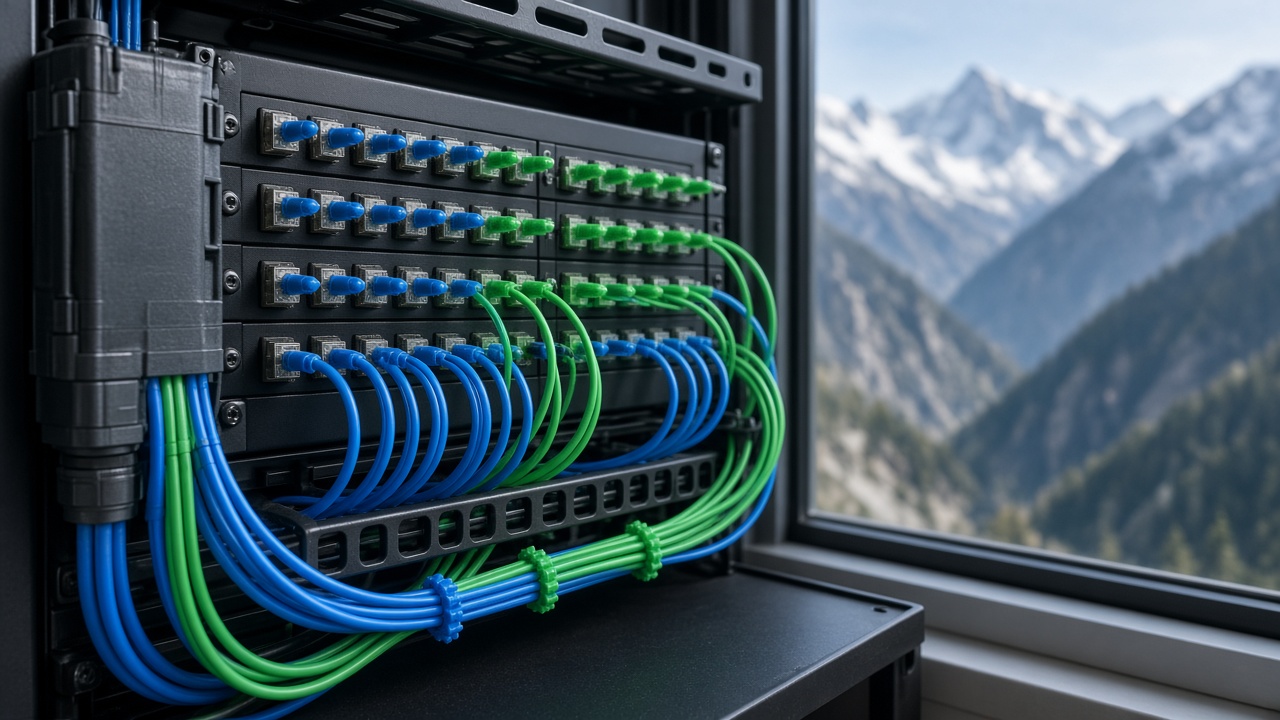
Every fibre link needs a tidy, protected place to end. Fibre distribution panels (FODPs) in each building, joint enclosures where cables are spliced, and properly labelled patch cords make the network far easier to troubleshoot. The equipment at each end, such as switches with the correct optical modules, must match the fibre type and distance.
5. Test and document everything
Once installed and spliced, each fibre core should be tested so you know the link performs as designed. Keep the test results, a route map and a labelling scheme. Good documentation saves hours when something needs to be repaired or extended, especially if a different team handles it years later.
6. Think about operation and maintenance
A network is only useful if it stays up. Decide in advance who will monitor the link, how faults will be reported, and how quickly repairs can be made. For critical sites, consider a second path or spare cores so a single cable cut does not take everything offline.
How eDruk can help
eDruk Private Limited has worked on technology in Bhutan since 2004, including optical fibre networks, structured LAN cabling, network equipment installation and network operation and maintenance. Whether you are connecting two buildings, a campus or a remote site, we can help you plan the route, choose suitable equipment and get the link built properly.
Talk to us about your next network project:
- Email: edruk@edruk.com.bt
- Phone: +975 2 332277
- Website: https://www.edruk.com.bt