

Keeping Track of IT Assets: 7 Steps to Manage Laptops, Licences and Devices
Most organisations know roughly how many computers they have. Far fewer can say, with confidence, who is using each laptop, when a software licence expires, or which router is still running on its original password. As offices, schools, hotels and businesses across Bhutan rely more on technology, a simple, up-to-date record of IT assets saves money, reduces downtime and makes security much easier to manage.
Here are seven practical steps to start keeping track of your laptops, licences and devices.
1. Decide what counts as an IT asset
Start with a clear list of categories: desktops and laptops, phones and tablets, printers, network equipment (routers, switches, Wi-Fi access points), CCTV cameras and recorders, UPS units, and connected devices such as gate controllers or sensors. Include software and online services too: operating system and office licences, accounting software, domain names, hosting and email subscriptions.
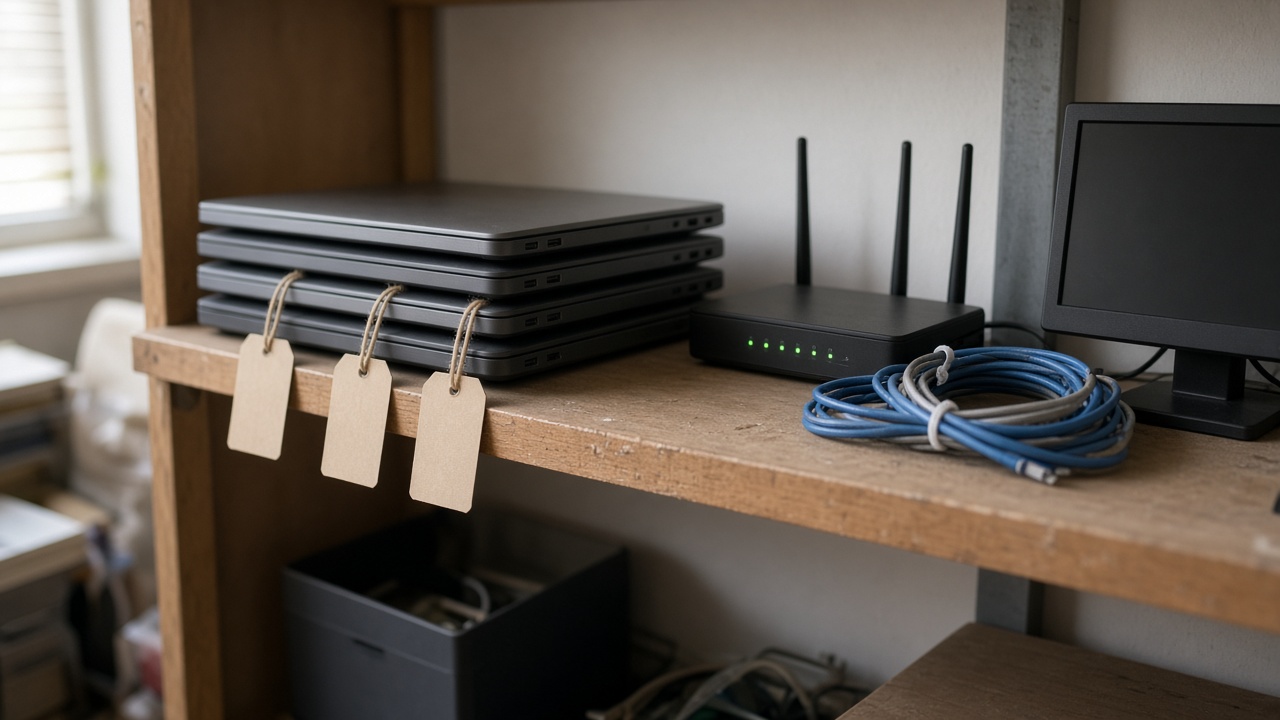
2. Give every item a unique tag
A simple numbered label on each device, matched to a record in your register, makes it easy to identify equipment during audits, repairs or staff handovers. Record the serial number, model, purchase date and supplier alongside the tag number.
3. Record who has it and where it is
For each asset, note the person responsible and the location: which office, floor or branch. When equipment moves between staff or departments, update the record at the same time. This is especially helpful when staff join or leave, because you can see immediately what needs to be issued or returned.
4. Track licences, renewals and warranties
Missed renewals can take a website offline or stop staff from working. Keep expiry dates for software licences, domain names, hosting, antivirus subscriptions and hardware warranties in one place, and set reminders well before each date. This also helps you avoid paying for licences nobody is using.
5. Note the security details that matter
For network and connected devices, record whether default passwords have been changed, when firmware was last updated and who holds administrator access. Store actual passwords in a secure password manager, not in the asset register itself. A quick look at this list shows which devices need attention.
6. Keep a maintenance and repair history
A short log of repairs, upgrades and recurring faults helps you decide when it is more sensible to replace a device than to keep fixing it. It also supports budgeting, because you can plan replacements over time rather than facing several failures at once.
7. Review regularly and retire equipment properly
Set a routine, for example every six months, to check the register against what is actually in the office. When a device is retired, back up anything needed, securely wipe its storage, remove it from accounts and licences, and mark it as disposed in the record.
Start simple, then improve
A well-organised spreadsheet is a perfectly good starting point for a small office. As your organisation grows, a dedicated system with search, reminders and reports can save time, and it can be connected to helpdesk or procurement processes you already use.
How eDruk can help
eDruk Private Limited has been providing software and ICT services in Bhutan since 2004. We can advise on setting up an IT asset register, develop a custom web-based system suited to your organisation, and help review the security of your network and connected devices.
To discuss your needs, contact us at edruk@edruk.com.bt, call +975 2 332277, or visit www.edruk.com.bt.