
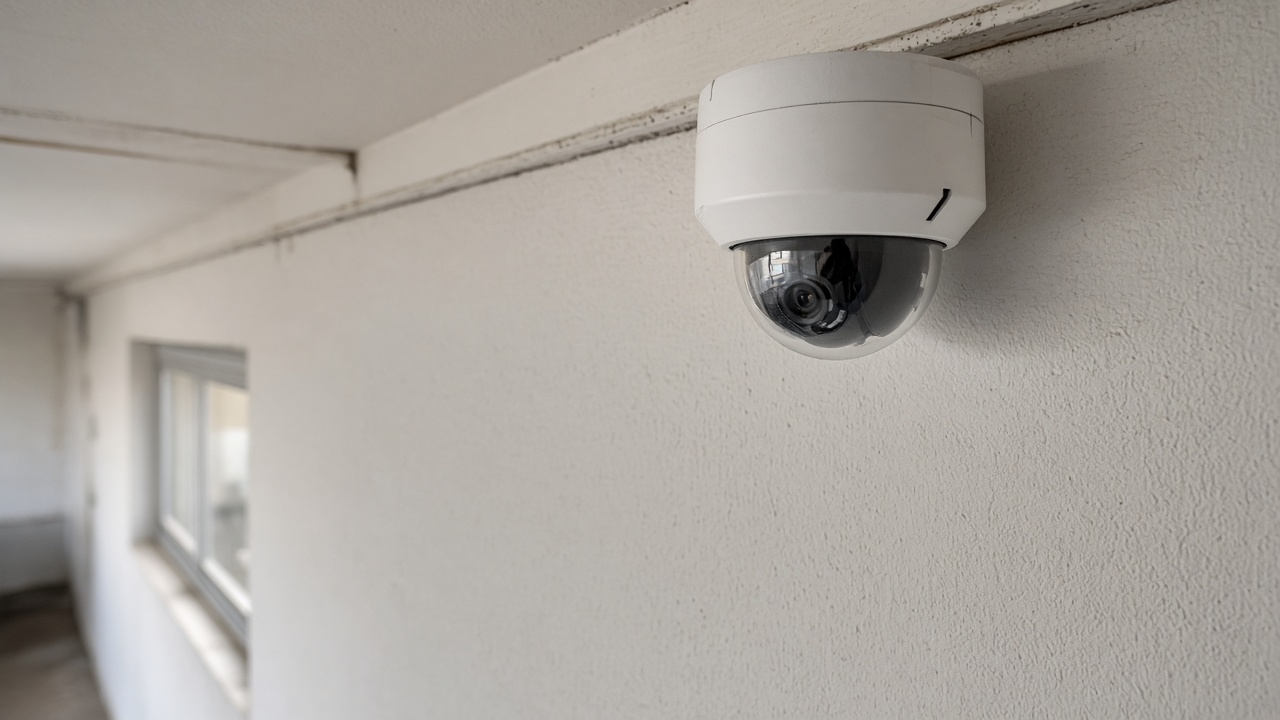

Planning CCTV for Your Office: 7 Things to Decide Before You Install Cameras
Many offices, schools, shops and hotels in Bhutan are adding CCTV cameras to protect people, equipment and stock. A camera system can be genuinely useful, but only when it is planned around real needs. Cameras bought in a hurry often end up pointing at the wrong place, recording footage nobody can find, or slowing down the office network. Here are seven things to decide before you install CCTV.
1. Be clear about what you want to see
Start with purpose, not camera count. Do you need to identify faces at the entrance, watch a cash counter, check deliveries at a gate, or simply see activity in a corridor? Each purpose needs a different position, lens and level of detail. Write a short list of the areas that matter and why. This list will guide every other decision and helps avoid paying for cameras that add little value.
2. Walk the site and plan camera positions
Visit each area at different times of day. Note bright windows, doorways that create glare, dark corners and places where people or vehicles enter. Mount cameras high enough to be hard to tamper with but low enough to capture useful detail. Check that trees, signboards or shelves will not block the view later. A simple floor plan marked with each camera and its view angle makes installation and future changes much easier.
3. Think about lighting and weather
Bhutan’s winters, monsoon rain and dust are hard on outdoor equipment. Choose cameras rated for outdoor use where needed, and protect cable entry points from water. Consider how each area looks at night: some cameras use infrared, while others need the area itself to be lit. Test the picture in the evening before you finalise a position.
4. Plan cabling, power and the network
Modern IP cameras usually run over network cable and can be powered through the same cable using PoE (Power over Ethernet) switches. Plan cable routes, distances and switch locations in advance. Where possible, keep cameras on a separate network segment or VLAN so video traffic does not compete with office work and so a compromised camera cannot easily reach your other computers. For long distances between buildings, optical fibre may be the better choice.
5. Decide where footage is stored and for how long
Most systems record to a network video recorder (NVR). Decide how many days of footage you need to keep, because this determines the storage required. Place the recorder in a locked, ventilated room, and connect it to a UPS so recording continues through short power cuts. Think about what happens if the recorder itself is damaged or stolen, and whether important clips should be copied somewhere safe.
6. Secure the system and control access
Cameras and recorders are computers on your network, and they can be attacked like any other device. Change every default password, keep firmware updated, and avoid exposing the recorder directly to the internet. If remote viewing is required, use a secure method such as a VPN. Limit who can view, export or delete footage, and give each authorised person their own account rather than one shared login.
7. Respect privacy and write simple rules
CCTV should protect people, not make them uncomfortable. Avoid pointing cameras into private spaces such as washrooms or changing areas, and put up clear notices where recording takes place. Agree in writing who may review footage, when footage may be shared, and how long it is kept. Clear rules build trust with staff, students and customers, and make the system easier to manage.
Plan first, then install
A well-planned CCTV system fits neatly into your building and your network, records what matters and stays secure for years. A few hours of planning before purchase usually saves money and frustration later.
eDruk Private Limited has worked with Bhutanese organisations on networks, fibre infrastructure, IoT and automation since 2004. If you would like help planning the network, cabling and security behind a camera system, contact us at edruk@edruk.com.bt, call +975 2 332277, or visit www.edruk.com.bt.