

Power Cuts and Surges: 7 Ways to Protect Your Office IT Equipment
Power cuts, voltage dips and lightning-season surges are a normal part of running an office in many parts of Bhutan. Each one can interrupt work, corrupt files, or slowly wear out switches, servers and computers. The good news is that a few practical steps can protect your equipment and keep your network running more smoothly. Here are seven things to plan.
1. Know what must stay on
Start by listing the equipment that matters most when the power goes: your internet router, core network switch, any server or storage device, CCTV recorder, and the computers used for billing or critical work. Not everything needs backup power, so focus on what keeps your business running and your data safe.
2. Use a UPS for critical equipment
An uninterruptible power supply (UPS) gives you clean power during short cuts and enough time to save work and shut down safely during longer ones. Size it for the real load of the devices connected to it, and check how many minutes of runtime it actually gives, not just its rating on paper.
3. Add proper surge protection
Surges can travel through power lines and even network or telephone cables. Use quality surge protectors for equipment that is not on a UPS, and consider protection for incoming lines and outdoor cable runs such as those feeding cameras or other buildings. A cheap multi-plug strip is not the same as a surge protector.
4. Check earthing and wiring
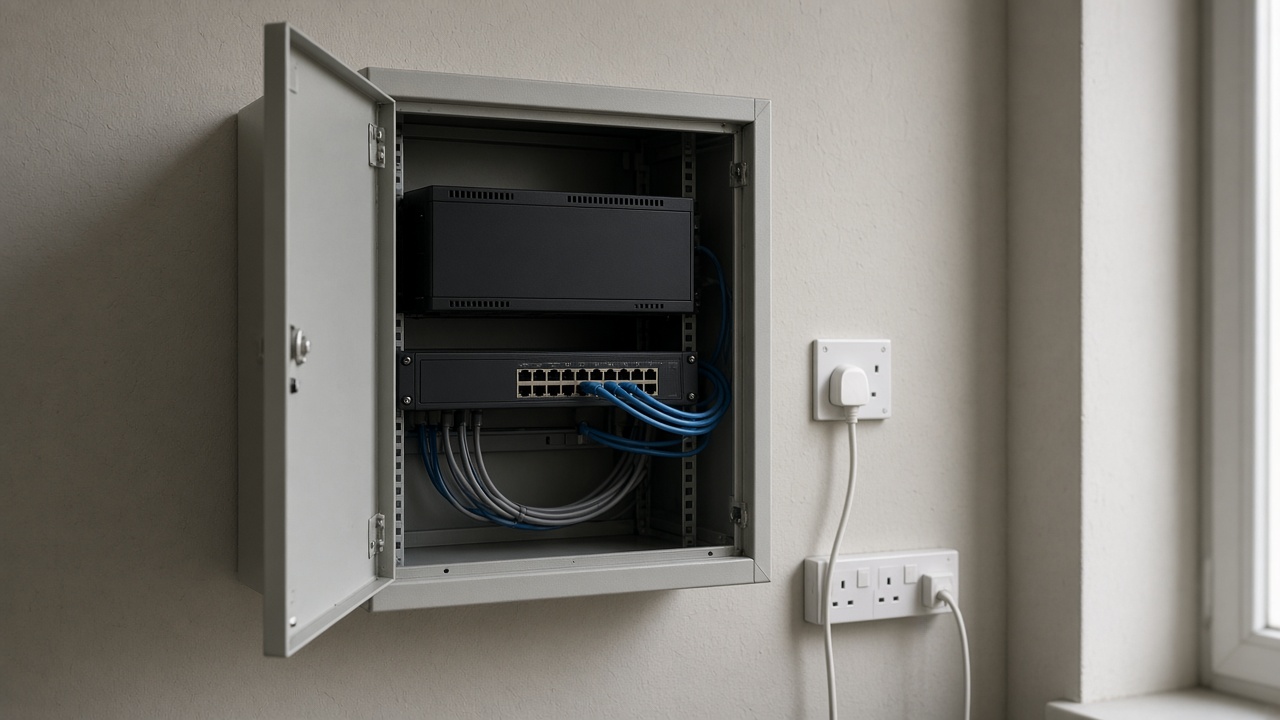
Good protection depends on good earthing. Loose sockets, overloaded extension boards and poor earthing reduce the value of any UPS or surge protector. Ask a qualified electrician to check the circuits that feed your network cabinet and server area, and avoid sharing them with heaters or heavy appliances.
5. Plan safe shutdowns
When a UPS battery runs low, equipment should shut down cleanly instead of crashing. Many UPS units can signal servers and storage devices to shut down automatically. Make sure this is set up and tested, and that devices restart in the right order when power returns.
6. Maintain batteries and keep equipment cool
UPS batteries wear out over time, and heat shortens their life even more. Test your UPS periodically, replace batteries when runtime drops, and keep network cabinets ventilated and free of dust. A hot, cramped cupboard is one of the most common reasons equipment fails early.
7. Protect your data as well as your hardware
Even with good power protection, sudden failures can still happen. Keep regular, tested backups of important files and systems, with at least one copy stored away from the office. That way, a bad power event becomes an inconvenience rather than a loss.
Need help protecting your office network?
eDruk Private Limited has been supporting organisations in Bhutan with networking, infrastructure and technical consultation since 2004. If you would like advice on power protection, network cabinets or backup planning for your office, school or business, we are happy to help.
Email: edruk@edruk.com.bt
Phone: +975 2 332277
Website: www.edruk.com.bt