
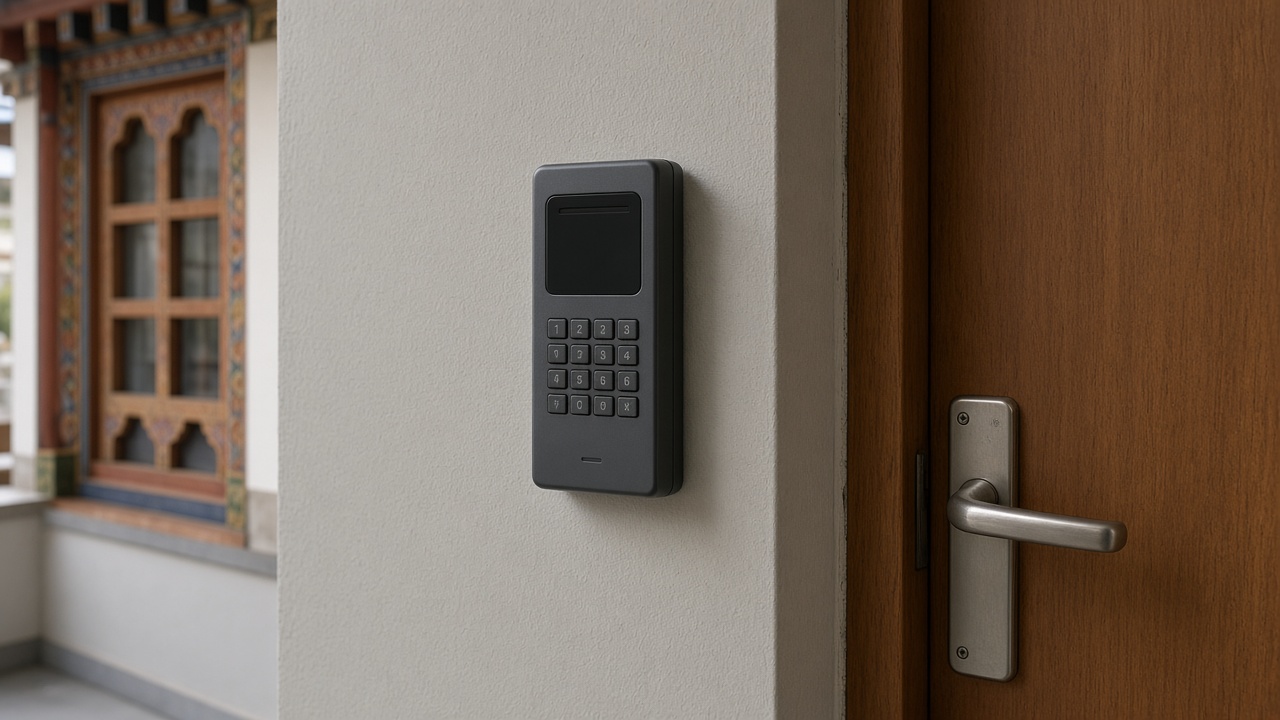

Door Access Control and Attendance Systems: 7 Things to Plan Before You Install
Keys get copied, lost or never returned, and paper attendance registers are easy to fill in late. Many Bhutanese offices, schools, hotels and warehouses are now looking at card, PIN or fingerprint access control, often combined with staff attendance. A well-planned system makes buildings more secure and saves administrative time, but a rushed installation can leave doors that jam, records nobody can use, and a new way for intruders to get in. Here are seven things to plan before you install.
1. Start with the doors and the people
List the doors that really need control: main entrances, server or records rooms, stores, cash areas and staff-only zones. For each door, note who should pass, at what times, and who decides. A simple access table on paper is the foundation for every later setting, and it stops the system from becoming either too strict to use or too open to matter.
2. Choose the right way to identify people
Cards and fobs are quick and easy to replace, PIN codes need no hardware for the user but are easily shared, and fingerprint or face readers tie entry to a person but need careful enrolment and clean, well-lit locations. Many sites use a mix: cards for everyday staff, PIN for occasional contractors, and biometrics for sensitive rooms. Choose what suits the people who will actually use each door every day.
3. Match the lock to the door
The reader is only half the system. Glass doors, wooden doors, metal gates and fire exits each need a suitable electric lock, such as a magnetic lock or electric strike, plus a door closer so the door actually shuts behind people. Check door frames, hinges and gaps before ordering, and make sure fire exits always open freely from inside in an emergency.
4. Plan for power cuts
Decide in advance what each door should do when power fails: stay locked to protect valuables, or release so people are never trapped. A small backup battery or UPS keeps controllers and locks working through short outages, and a mechanical override key should be kept securely by a responsible person for longer ones.
5. Connect it to your network carefully
Networked controllers let administrators add or remove users and download records from one place. Treat them like any other connected device: change default passwords, keep firmware updated, place them on a separate network segment where possible, and never expose the management page directly to the internet.
6. Make attendance data useful
If the system will also record attendance, agree early on working hours, shifts, late rules and how reports should look for HR or finance. Check whether records can be exported to a spreadsheet or connected to your payroll or HR software, so staff are not retyping data every month.
7. Set clear rules for adding and removing users
The biggest weakness is often a card or fingerprint that stays active after someone leaves. Make one person responsible for enrolling new staff, removing leavers on their last day, and reviewing the user list every few months. Keep a record of issued cards, and disable a lost card as soon as it is reported.
Talk to eDruk before you install
eDruk Private Limited has worked in Bhutan’s ICT sector since 2004, covering software development, networking, IoT and automation such as automatic sliding gates and doors, and technical consultation. If you are planning access control or attendance for your office, school or facility, we can help you think through the doors, devices, network and reporting before you buy.
Email edruk@edruk.com.bt, call +975 2 332277, or visit https://www.edruk.com.bt.