
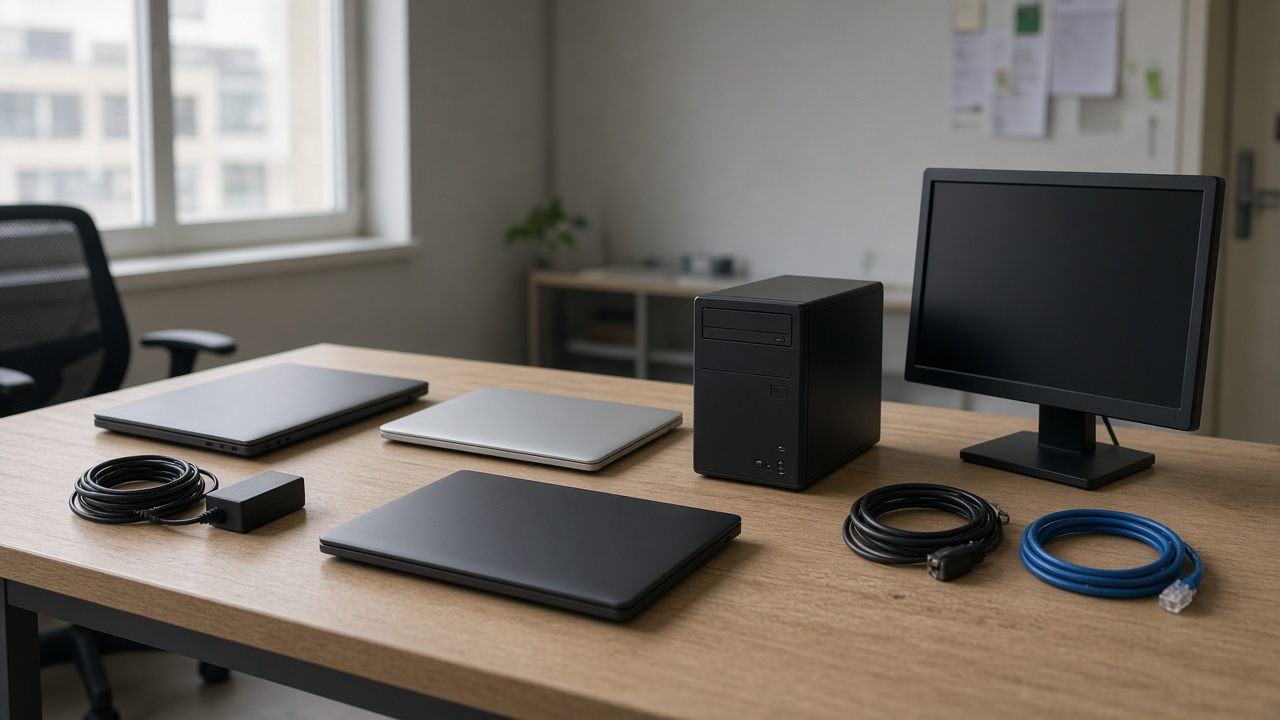

Buying Laptops and Desktops for Your Office: 7 Things to Check Before You Order
New laptops and desktops are one of the most common ICT purchases for Bhutanese offices, schools and businesses. It is easy to pick whatever is available on the day or simply the lowest quote, and then find a year later that the machines are too slow, hard to repair or do not work well with the systems you already use. A little planning before you order makes the money go further. Here are seven things to check.
1. Start with the work people actually do
List the main tasks for each group of staff. Front-desk and administrative work, accounting software, design and video editing, and engineering tools all need different levels of performance. Group users into a few simple profiles rather than buying one model for everyone. This avoids paying for power that is never used, and avoids under-equipping the people whose work depends on it.
2. Laptop, desktop or a mix
Laptops suit staff who travel between dzongkhags, attend meetings or work from home. Desktops are usually easier to upgrade and repair, and suit fixed workstations such as counters, labs and accounts sections. Many organisations end up with a mix. Decide which roles really need portability before you finalise the numbers.
3. Check the specifications that matter most
For everyday office use, memory (RAM) and storage type usually make a bigger difference than the processor name. A solid-state drive (SSD) makes start-up and opening files much faster than an older hard disk. Make sure the screen size, keyboard and battery life suit the way the machine will be used, and that there are enough ports for projectors, printers and network cables, or plan for adapters.
4. Make sure it fits your existing systems
Confirm that your accounting, HR, design or other business software runs on the operating system you choose. Check that the machines can join your office network and Wi-Fi, work with your printers and shared drives, and support the security settings you use, such as disk encryption and two-step verification for business accounts.
5. Ask about warranty and local support
A good price matters less if a broken laptop has to be sent out of the country for weeks. Before ordering, ask what the warranty covers, how long it lasts, and where repairs and spare parts are handled. Keep invoices and serial numbers together, ideally in your IT asset register, so warranty claims are simple.
6. Plan the setup before the boxes arrive
Decide in advance how each machine will be prepared: operating system updates, antivirus, standard software, user accounts, backup and naming. Setting up every computer the same way saves time, makes support easier and reduces security gaps. Agree who will move files from old computers and how long staff will need to switch over.
7. Decide what happens to the old machines
Old computers often still hold business files, saved passwords and email. Back up anything needed, then securely wipe the storage before machines are reused, donated or disposed of. Update your asset register so you always know which devices are in use and who has them.
How eDruk can help
eDruk Private Limited has supported Bhutanese organisations with software, networking and ICT consultation since 2004. We can help you define user profiles and specifications, check compatibility with your existing systems, and plan setup and handover so new equipment is ready for work from day one.
Contact us at edruk@edruk.com.bt, call +975 2 332277, or visit www.edruk.com.bt.